Commercial project · Whitefield, Bury
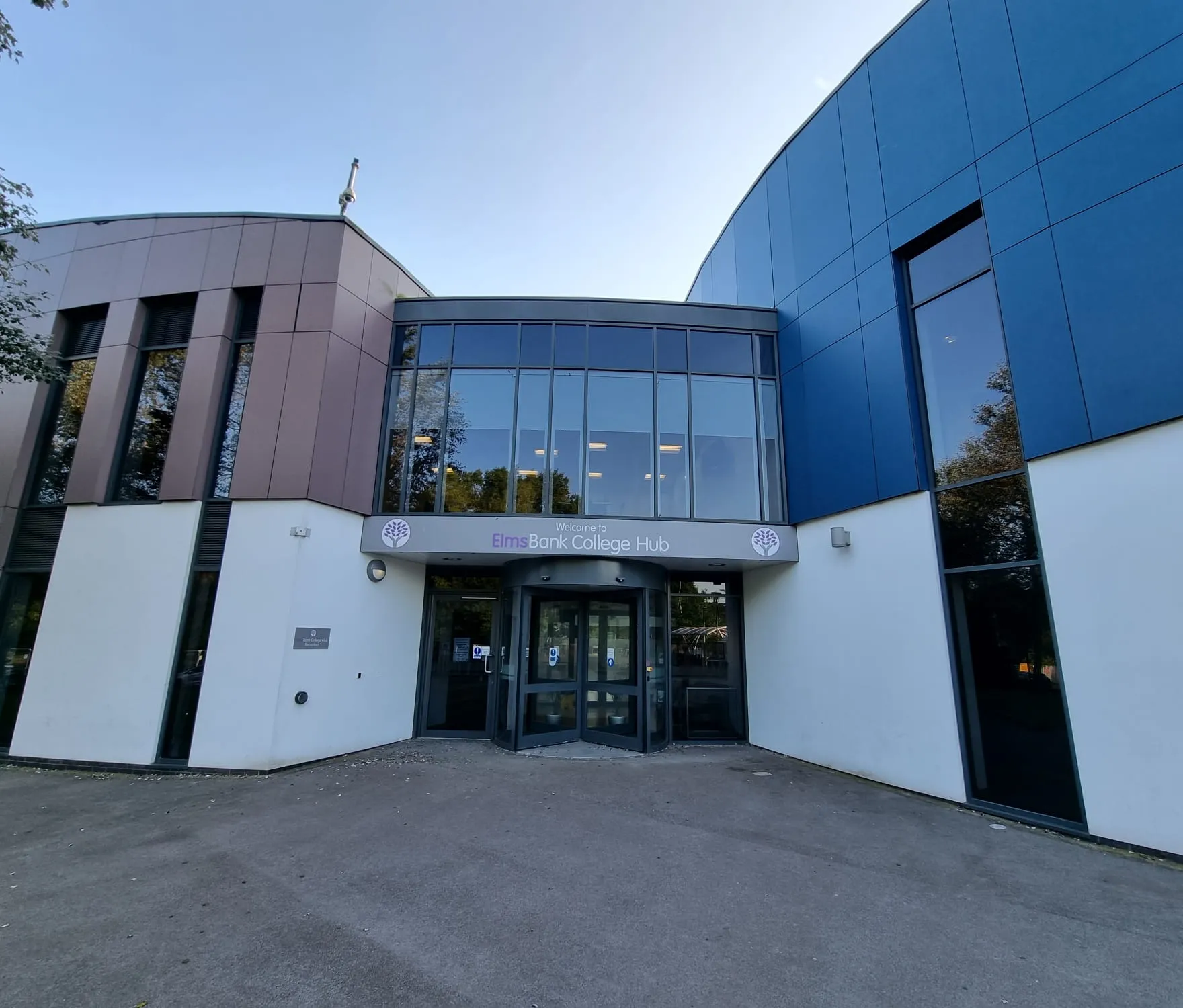
Blackout cassette rollers at Elms Bank College Hub
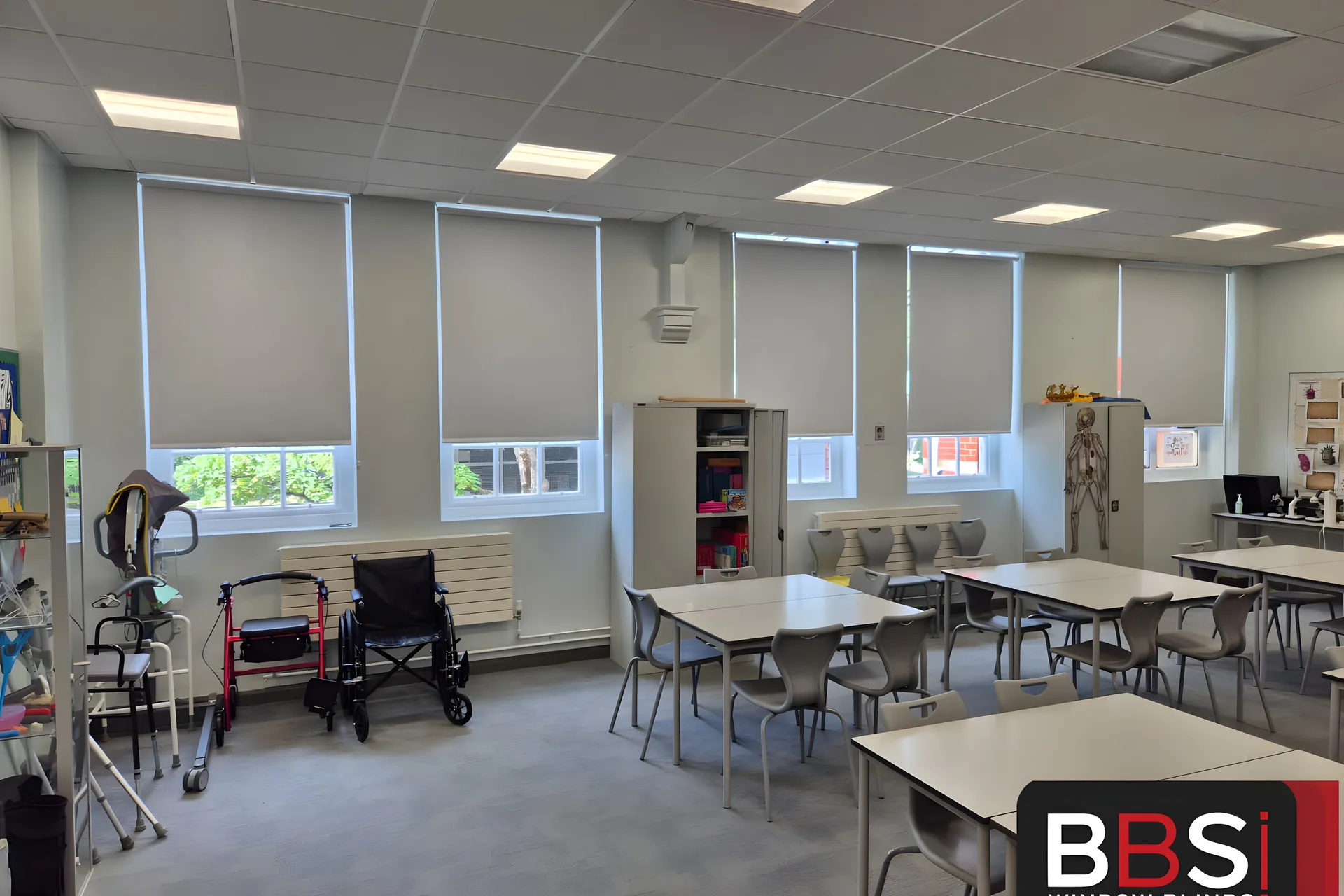
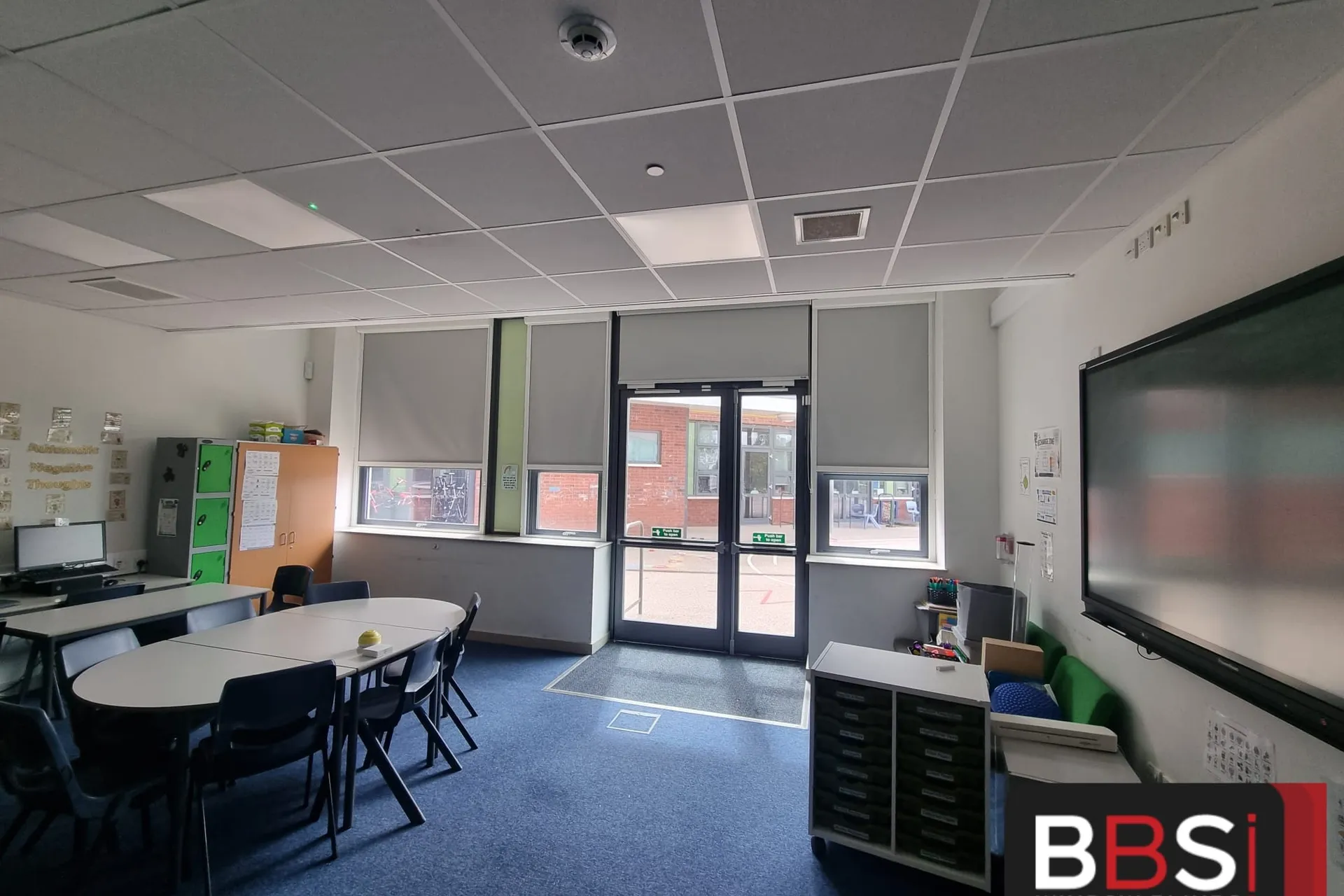
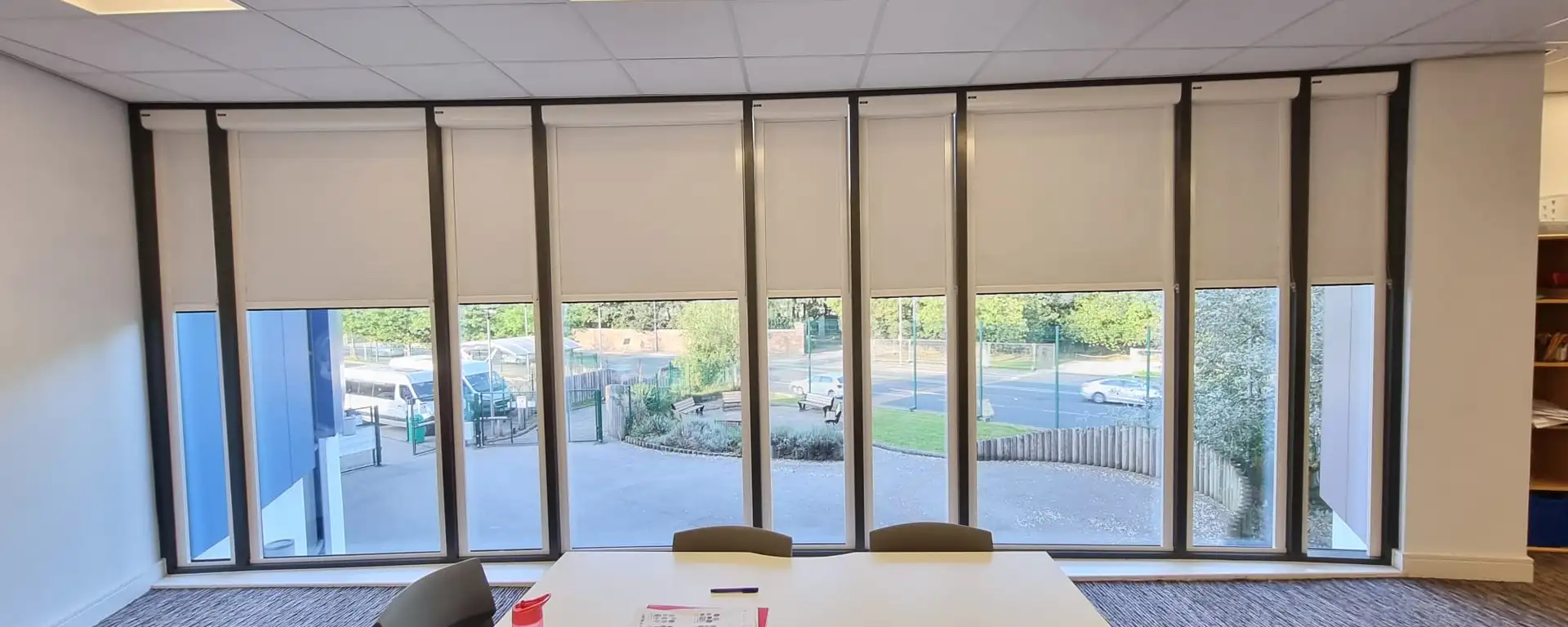
Blackout cassette rollers in the learning resource area above main reception, with standard roller blinds on the internal hallway windows for privacy.
- Client
- Elms Bank College Hub
- Setting
- College hub
- Location
- Whitefield, Bury
Project facts
The job at a glance.
- Client
- Elms Bank College Hub
- Setting
- College hub
- Location
- Whitefield, Bury
- Learning resource
- Blackout cassette rollers
- Hallway windows
- Standard roller blinds
- Fitting team
- Fully employed, not subcontracted
The brief
What the site needed.
Elms Bank College Hub needed two different answers in the same building. The learning resource area above main reception had to black out properly for teaching. The internal windows onto the hallway needed privacy, without shutting those rooms off from the rest of the hub.
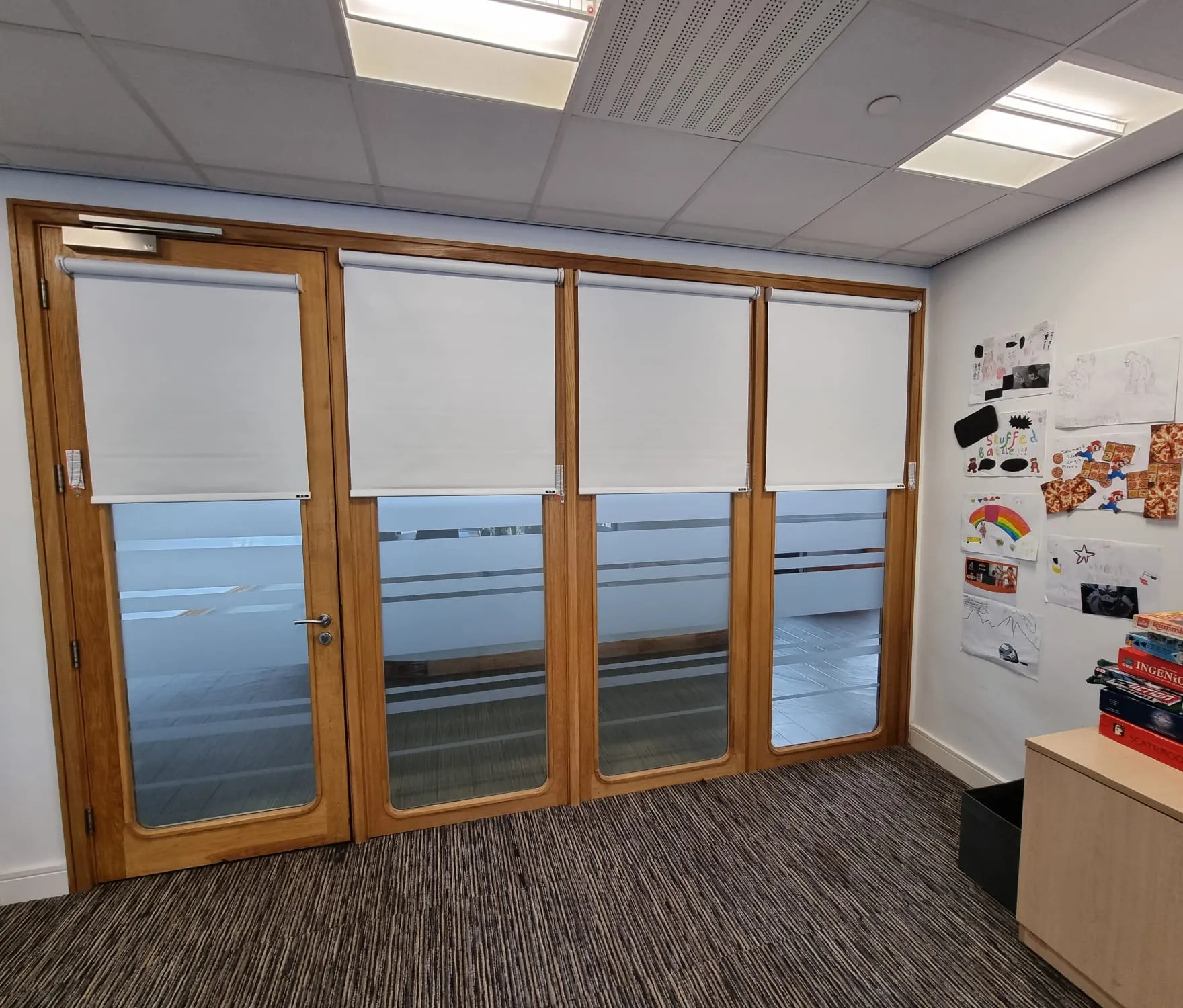
Blackout cassette rollers went on the learning resource window run: a white cassette headbox, a matching drop across the glass, and full light control when the room needs it. Standard roller blinds went on the oak-framed internal windows and doors that look onto the hallway, so the rooms keep their privacy from the circulation space.
The two products sit next to each other in the same hub rather than one generic blind through every opening. Fitted by BBS’s own fully employed installation team, all Enhanced DBS.
What we did
A specification shaped around the setting.
- 01
Learning resource
Blackout cassette rollers across the window run above main reception, so the room can shut light out for teaching.
- 02
Cassette headbox
Each blind sits in a white cassette so the fabric rolls away cleanly and the run reads as one line.
- 03
Hallway privacy
Standard roller blinds on the oak-framed internal windows and doors that look onto the hallway.
- 04
Two jobs, one hub
Cassette blackout where the room needs darkness, and a simpler roller where the need is privacy from the corridor.
Working on site
Planned around the building, not just the windows.
- 01
Split the brief
The learning resource and the hallway glazing needed different products, so they were specified as two jobs rather than one fabric through the building.
- 02
Set out the window run
Cassette rollers were set to a matching drop across the learning resource glass so the wall reads as one.
- 03
Dress the internal openings
Hallway blinds were fitted to the oak frames around the existing door furniture and frosted vision strips.
The result
What changed for the space.
The college hub now blacks out in the learning resource area above reception, and the rooms looking onto the hallway have privacy without a heavy blackout fabric on internal glass.
- Blackout cassette rollers in the learning resource area
- Standard rollers for privacy on the hallway windows
- Two products matched to two jobs in the same hub
Commercial enquiry
Get a quote for work like this.
Tell us the setting, approximate window count and programme. We have already selected the closest project type and size from this case study.
Call 0161 244 9467 Discuss the site brief WhatsApp your site details Send photos, a schedule or the first questionAbout 30 seconds. Known project context is already selected.
Related project work
Two more sites worth seeing.